Duplicate Finder
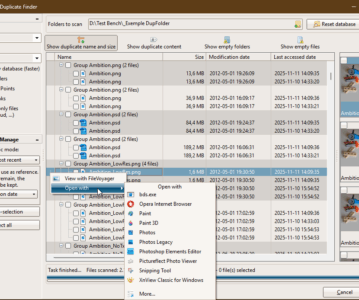
Quickly scans multiple folders to detect duplicate and empty files. It supports advanced filtering, content hashing, auto-selection modes, and safe cleanup actions. With thumbnail previews, …

Quickly scans multiple folders to detect duplicate and empty files. It supports advanced filtering, content hashing, auto-selection modes, and safe cleanup actions. With thumbnail previews, …
Intro Features How to Use Accessing the Duplicate Finder tool Anatomy of the Duplicate Finder tool Step 1: Configure scan options Before starting a scan, …
The Preferences dialog in FileVoyager allows you to configure the application’s behavior, appearance, and features.This page describes every available option, organized by category. General Option …
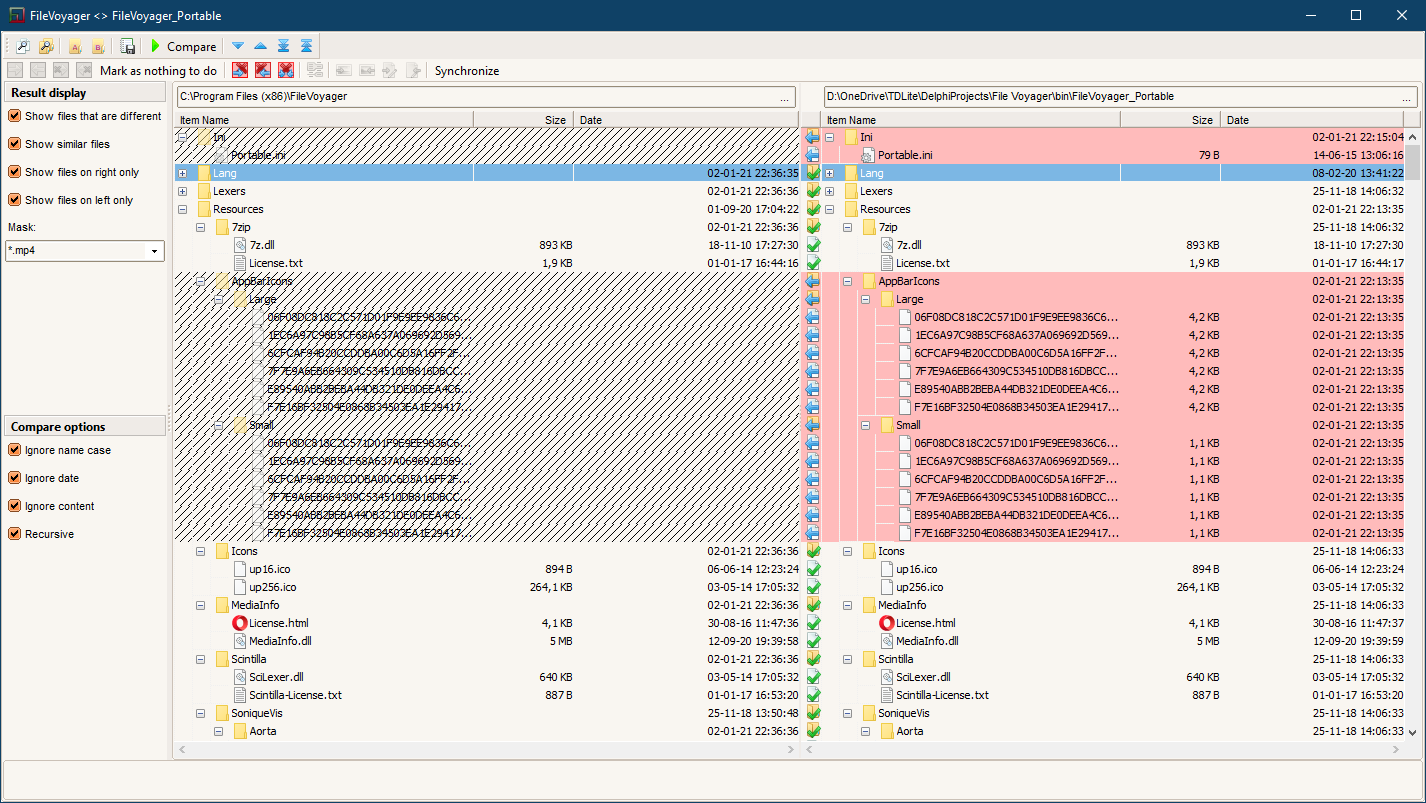
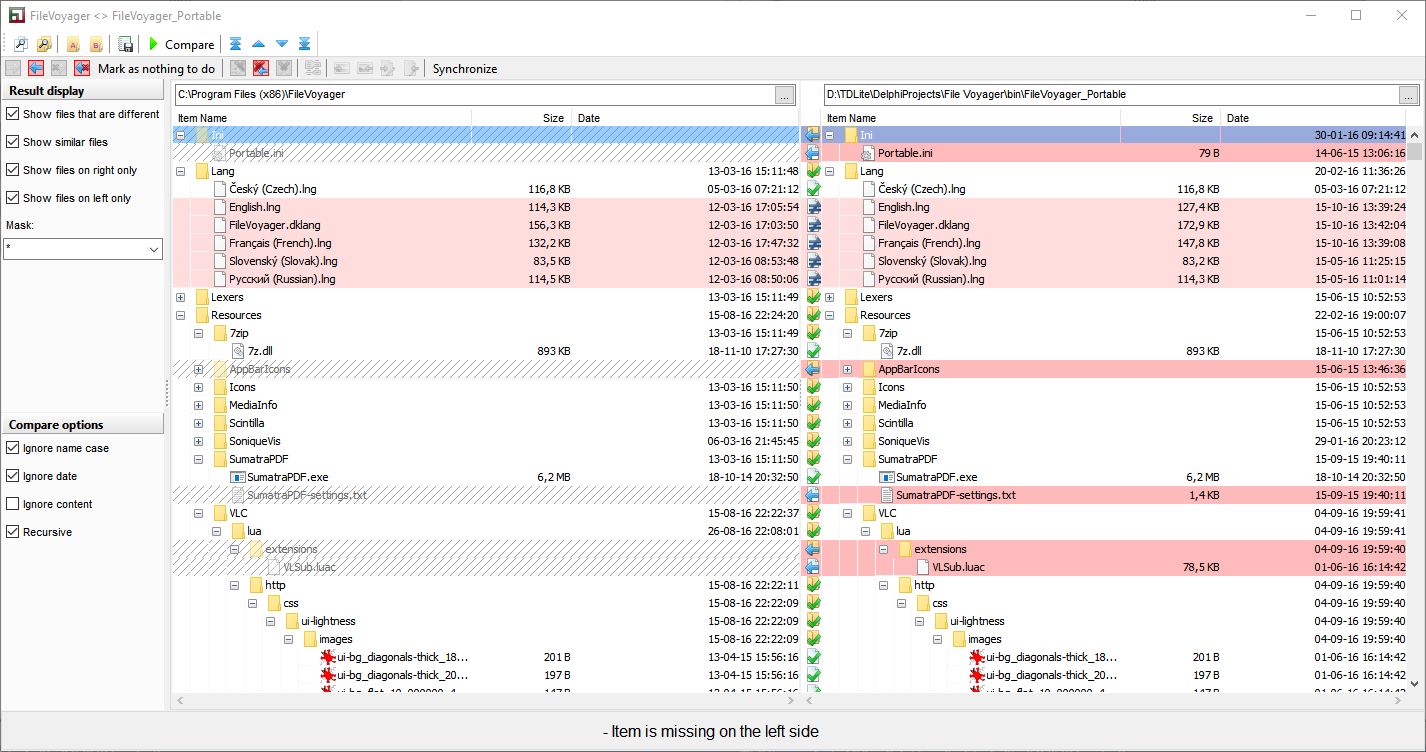
The Sync Directories tool in FileVoyager allows users to synchronize the contents of two directories. This feature is ideal for keeping folders up-to-date, ensuring that …
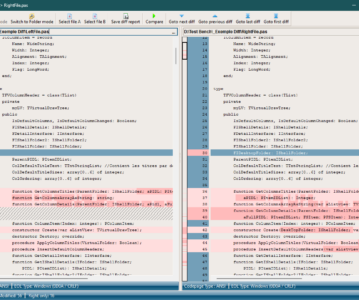
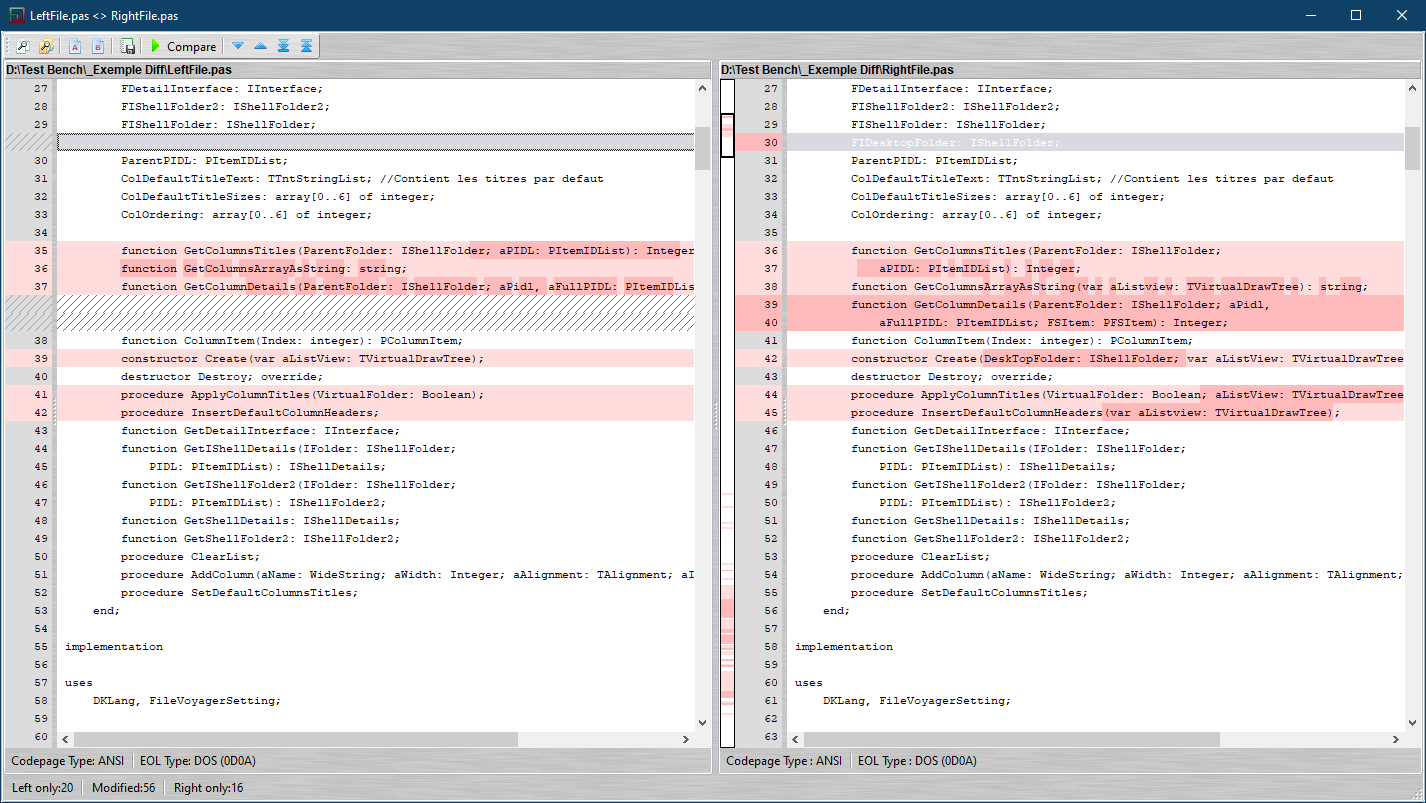
The File Comparison tool in FileVoyager allows users to compare two files side-by-side to identify differences. This feature is particularly useful for developers, editors, and …
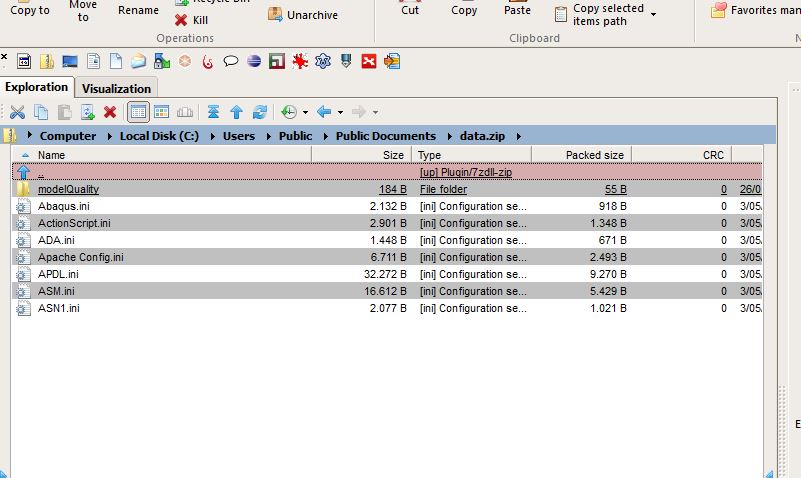
Effortlessly manage your compressed files with FileVoyager’s integration of the powerful 7-Zip engine. Create, extract, and modify archives directly from the interface, with support for …
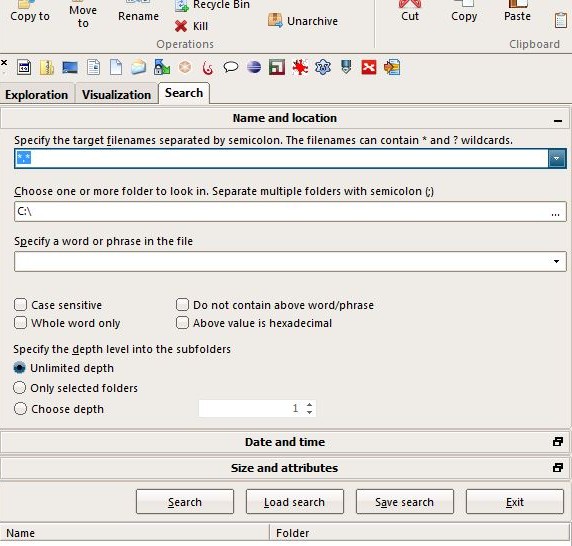
Locate files and folders in seconds with FileVoyager’s advanced search features. Whether you’re looking for a specific file or filtering results based on size, date, …
Keep your folders in sync with FileVoyager’s folder comparison and synchronization tools. Easily identify differences between two directories, copy or update files, and ensure your …
Streamline your work flow with FileVoyager’s file diff functionality. Compare the content of two files side by side to spot changes or discrepancies instantly. Ideal …
FileVoyager offers multiple view modes for its list view, ensuring you can browse your files exactly how you need. Choose from detailed views for in-depth …
You must be logged in to post a comment.