Welcome › Forums › Issues and bugs reports › Application Error Exception EAccessVioIation. › Reply To: Application Error Exception EAccessVioIation.
3rd September 2025 at 11:31 am
#5497
 ruitertepaard
Participant
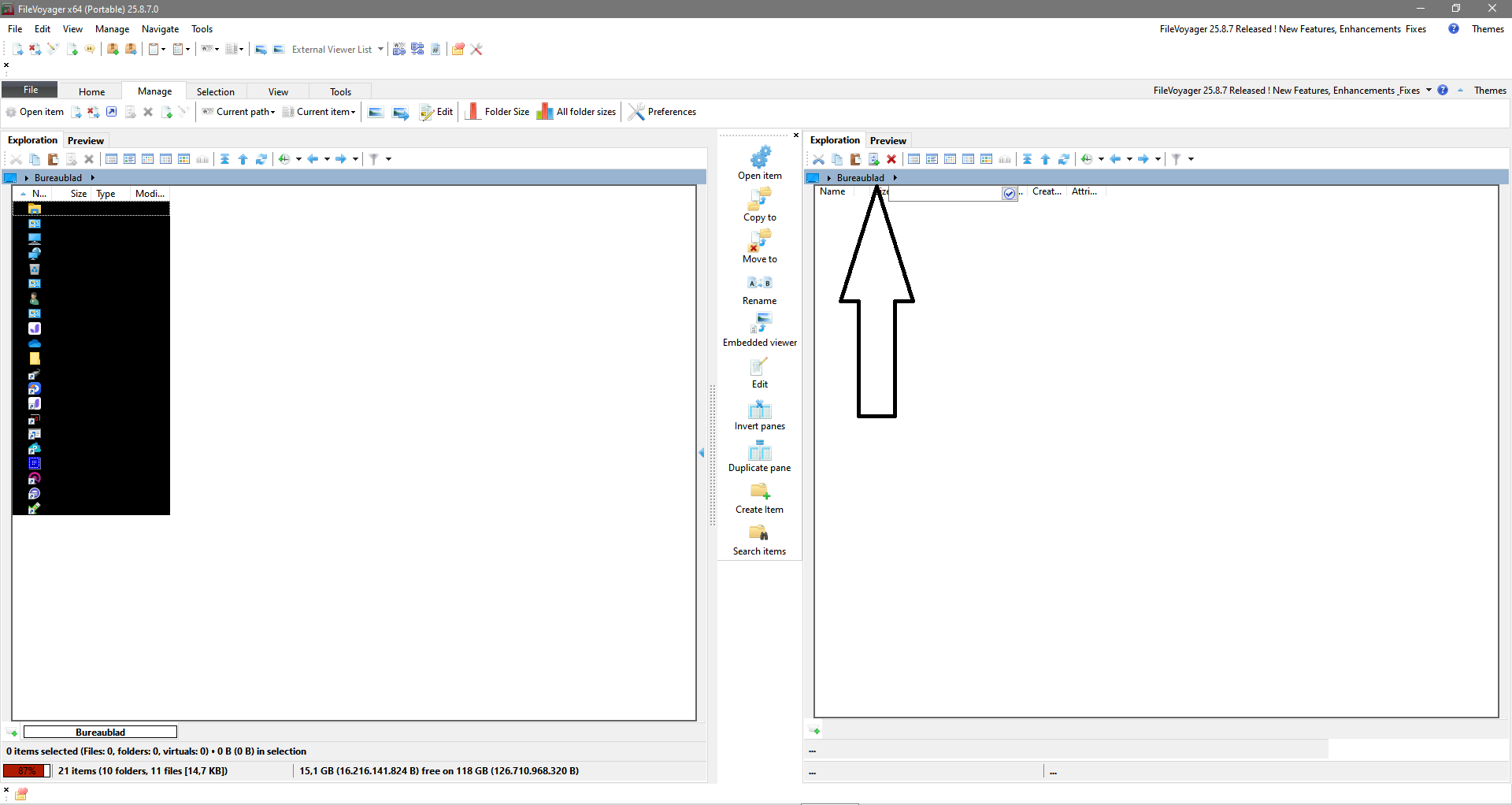
I click on “Desktop” in the second screen to find my folder. But it doesn’t do anything.
And now I see that if I change the translation back from Dutch to English, “Bureaublad” doesn’t change to “desktop.”
“Could you let me know if this happens only in the Desktop folder, or elsewhere as well?” I don’t understand what you mean. Are there any other ways to access the folders?
Or do you mean if I also do other things in FileVoyager and then get the error message? I get the error even if I start it and then close it without doing anything in FileVoyager.
I just select my folders using the checkbox.