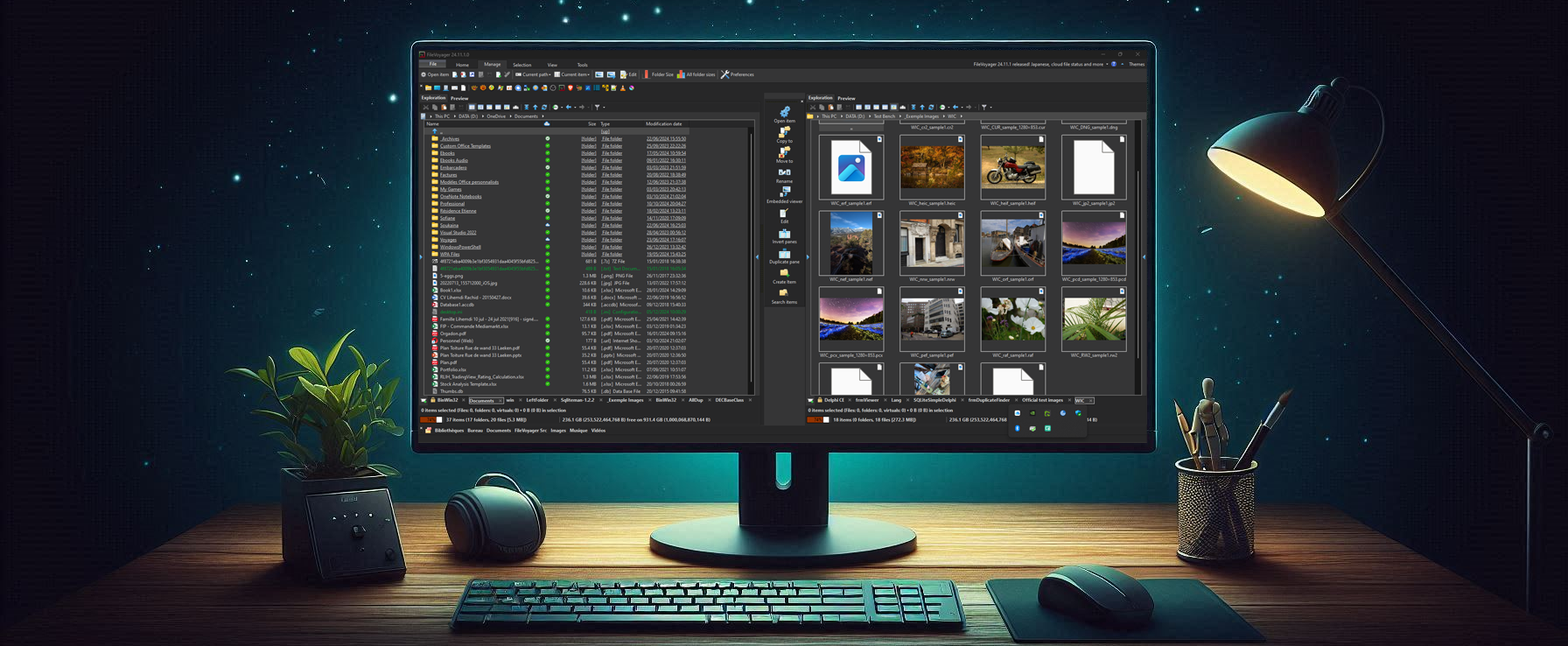

Duplicate Finder
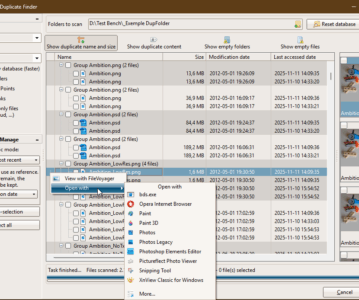
Quickly scans multiple folders to detect duplicate and empty files. It supports advanced filtering, content hashing, auto-selection modes, and safe cleanup actions. With thumbnail previews, …
Intro Features How to Use Accessing the Duplicate Finder tool Anatomy of the Duplicate Finder tool Step 1: Configure scan options Before starting a scan, …
The Preferences dialog in FileVoyager allows you to configure the application’s behavior, appearance, and features.This page describes every available option, organized by category. General Option …
FileVoyager 25.8.7 is out! This new release introduces powerful features like the OpenWith tool for quick access to associated apps, a simplified Search Lite, better support for long paths, and enhancements to the Viewer and Hash modules. Alongside these new capabilities, numerous UI tweaks and bug fixes make FileVoyager more reliable and user-friendly than ever.
FileVoyager is now available in a full 64-bit version!
This migration involved adapting large portions of the codebase and external components to fully support modern systems, while maintaining full compatibility with your files and workflows.
In the recent 25.1.26 version of FileVoyager, an important memory corruption of the FileVoyager process caused by a memory overflow is making FileVoyager crash when …
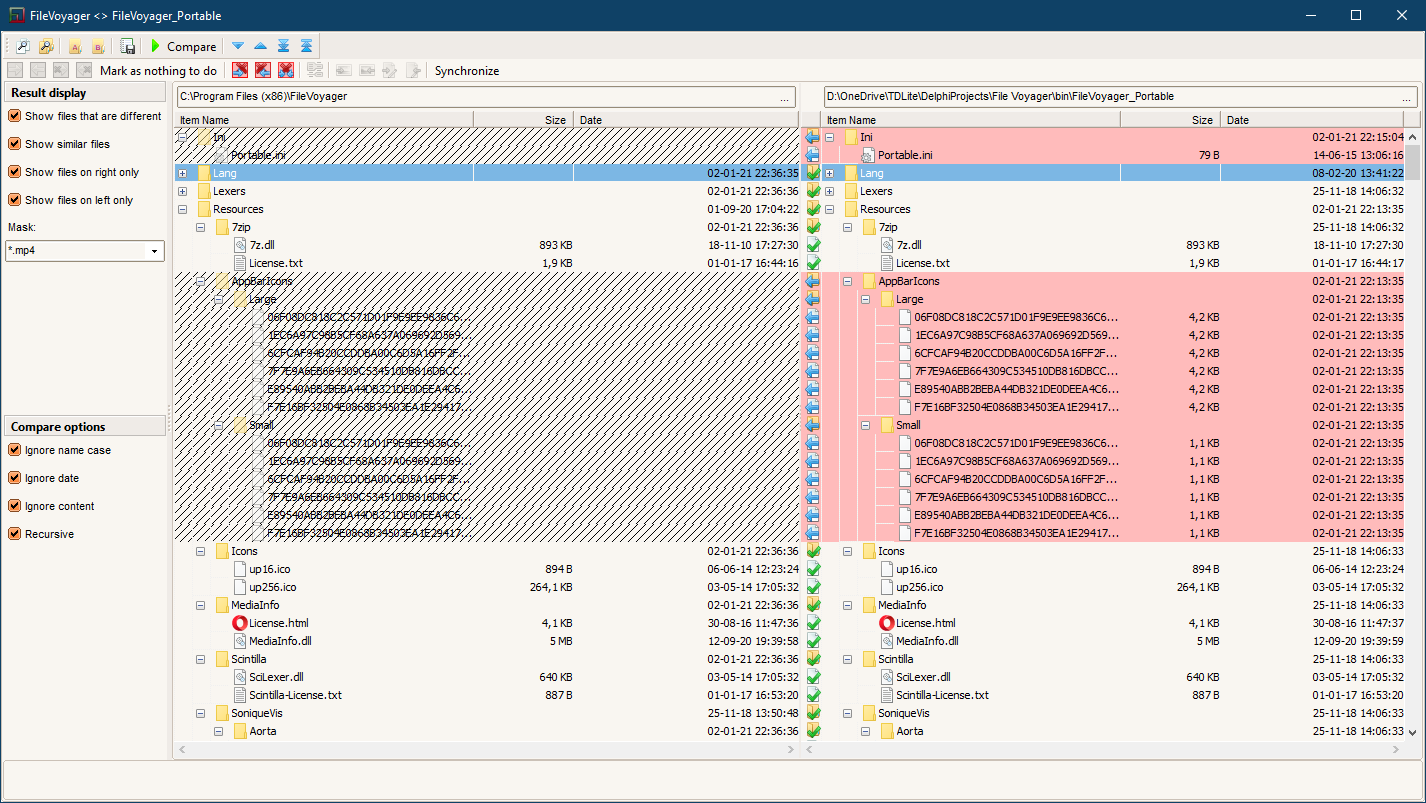
The Sync Directories tool in FileVoyager allows users to synchronize the contents of two directories. This feature is ideal for keeping folders up-to-date, ensuring that …
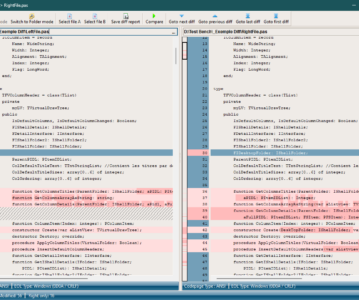
The File Comparison tool in FileVoyager allows users to compare two files side-by-side to identify differences. This feature is particularly useful for developers, editors, and …
Effortlessly manage your compressed files with FileVoyager’s integration of the powerful 7-Zip engine. Create, extract, and modify archives directly from the interface, with support for …
Locate files and folders in seconds with FileVoyager’s advanced search features. Whether you’re looking for a specific file or filtering results based on size, date, …
You must be logged in to post a comment.